
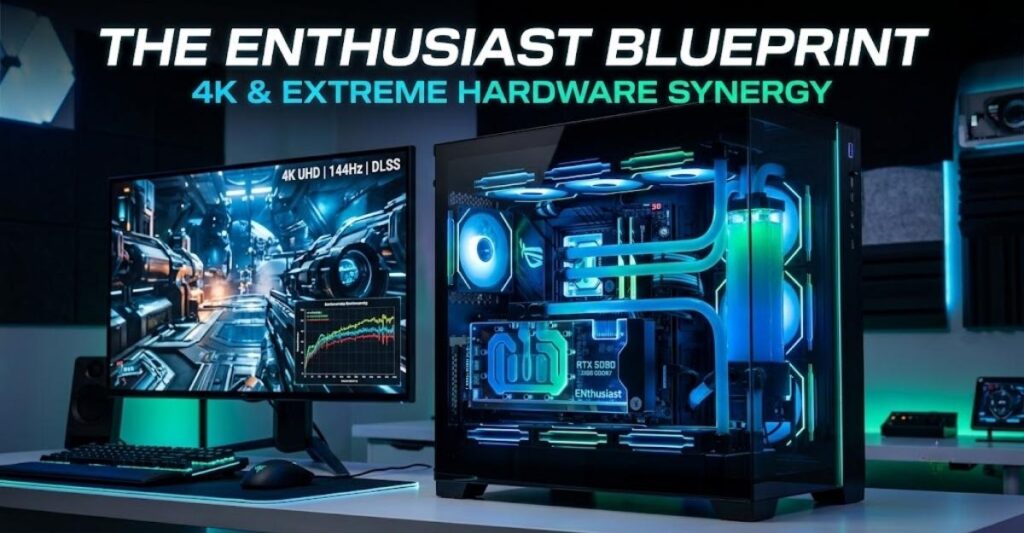
Welcome to the 1%. If you are researching the hardware combinations on this page, you are likely building a personal computer with a budget exceeding $3,500. At this tier, standard rules regarding 1080p frame rates or “budget-to-performance” ratios no longer apply. You are paying a premium for uncompromising power, and your primary concern is ensuring that a systemic bottleneck does not strangle your investment.
In 2026, the Enthusiast tier is defined by two primary computing demands: maintaining high refresh rates (144Hz+) at native 4K resolution with full path tracing enabled, and deploying heavy, localized Artificial Intelligence models (such as 70-billion-parameter LLMs or advanced Stable Diffusion networks).
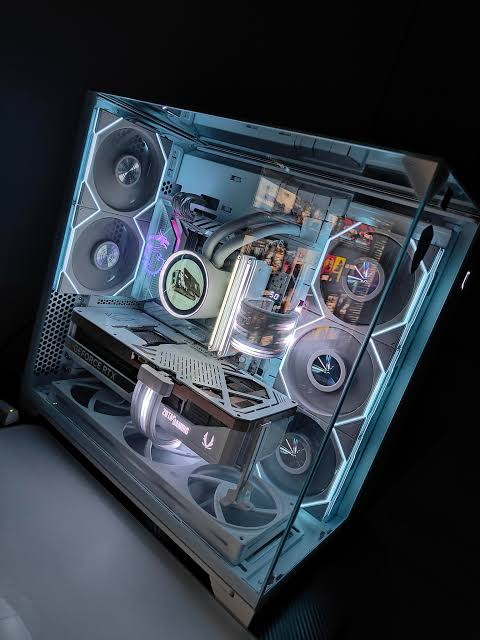
If you used our hardware synergy engine and landed here with a 1440p monitor, be warned: pairing an NVIDIA RTX 5090 with a 1440p display fundamentally wastes the graphics card’s potential. Before spending capital on flagship processors to chase 1440p bottlenecks, step down to our High-End Hardware Matrix to find a more efficient configuration.
If you are fully committed to 4K dominance and heavy compute workloads, here is the definitive architectural breakdown of the highest-tier CPU and GPU combinations available today.
1. AMD Ryzen 9 9950X3D with NVIDIA GeForce RTX 5090 32GB
Baseline Metrics (4K / AI Workload):
- System Variance: 0% (Perfect Equilibrium)
- Hardware Rating: A+ (Elite)
- Ideal Resolution: 4K Ultra or Widescreen (21:9 / 32:9)
- AI Compute Score: Elite (LLMs / SD)
Comparative Analysis:
This is the absolute apex of consumer desktop hardware. The NVIDIA RTX 5090 utilizes the GB202 architecture, packing 21,760 CUDA cores and an unprecedented 1.79 TB/s of memory bandwidth via its 32GB GDDR7 frame buffer. Historically, a GPU with this level of rendering violence would starve even top-tier processors, creating micro-stutters as the CPU struggled to prepare the geometry blueprints fast enough.
AMD’s Ryzen 9 9950X3D solves this systemic issue. By combining 16 full Zen 5 cores, a 5.7 GHz boost clock, and a colossal 128MB of L3 V-Cache, the processor calculates physics, state metrics, and draw-calls perfectly in sync with the 5090’s render pipeline. Neither component waits; neither component stalls.
If your workload shifts toward AI, this pairing is a masterclass. The 32GB of VRAM allows you to comfortably load large, quantized local models directly into GPU memory without the catastrophic bandwidth penalties of spilling over into system RAM.
- Pros:
- Zero Compute Bottleneck at 4K: The 9950X3D’s aggressive frequency and cache completely eliminate traditional high-end CPU limits.
- Elite AI Workstation: The 5090’s 5th-generation tensor cores train and run local inference significantly faster than any other consumer hardware on the market.
- Unmatched 1% Lows: The massive L3 cache ensures flat frame pacing, eliminating drops during heavy simulation sequences.
- Cons:
- Extreme Thermal Demands: The RTX 5090 is rated for a 575W TDP. Combined with the 9950X3D’s 170W rating, you require an ultra-premium ATX 3.0 power supply (1000W minimum) and rigorous case airflow.
- Financial Inefficiency Below 4K: Running this system at 1080p or 1440p will artificially cap the GPU, wasting over a thousand dollars of rendering headroom.
2. Intel Core Ultra 9 285K with NVIDIA GeForce RTX 5090 32GB
Baseline Metrics (4K / AI Workload):
- System Variance: 4% CPU Limit
- Hardware Rating: A+ (Excellent)
- Ideal Resolution: 4K Ultra
Comparative Analysis:
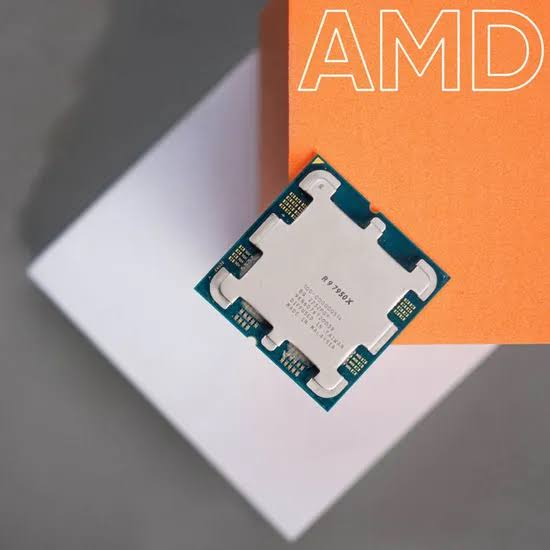
For Intel loyalists, the Arrow Lake architecture provides a formidable foundation. The Core Ultra 9 285K shifts emphasis toward raw Instructions Per Clock (IPC) rather than relying on massive stacked caches.
When paired with the RTX 5090 at 4K, the system achieves a nominal 4% variance. The 5090 is slightly faster at painting pixels than the 285K is at calculating game logic in select engines, meaning your graphics card might occasionally hover at 96% utilization instead of 99%. However, because this variance remains firmly under the 5% equilibrium threshold, the discrepancy is imperceptible to the human eye.
- Pros:
- Flawless Productivity Transition: Intel’s hybrid architecture excels at background rendering, video encoding, and heavy compilation tasks, outperforming competing chips in multi-threaded bursts.
- Platform Stability: Arrow Lake handles DDR5 memory overclocking with extreme stability, allowing for tighter RAM timings that can squeeze out extra frames.
- Cons:
- Cooling Prerequisites: The Core Ultra 9 requires aggressive, top-tier liquid cooling (360mm AIO minimum) to prevent thermal degradation during long rendering blocks.
- Slight Gaming Deficit: In heavily CPU-bound scenarios, the lack of 3D V-Cache puts it slightly behind the Ryzen 9 in raw gaming frame rates.
3. AMD Ryzen 7 9850X3D with NVIDIA GeForce RTX 5090 32GB
Baseline Metrics (4K Workload):
- System Variance: 0% (Equilibrium)
- Hardware Rating: A+ (Elite Gaming)
- Ideal Resolution: 4K Ultra
Comparative Analysis:
If you are an enthusiast who strictly plays video games and has absolutely zero intention of running heavy productivity software, compiling code, or manipulating massive datasets, this is your optimal pairing.
The Ryzen 7 9850X3D is fundamentally designed as a gaming weapon. By reducing the core count to 8 (compared to the 9950X3D’s 16), AMD eliminates the latency penalties associated with cross-CCD communication. Every core has direct, immediate access to the 3D V-Cache. At 4K, the 9850X3D feeds the RTX 5090 with zero pipeline hesitation.
- Pros:
- The Ultimate Gaming Chip: Beats the 16-core flagship in raw gaming benchmarks due to a unified core complex and zero thread-parking issues.
- Thermal Efficiency: The 8-core design generates significantly less heat, allowing the processor to sustain maximum boost clocks indefinitely on standard cooling.
- Cons:
- Productivity Deficit: Severely outclassed by the 9950X3D and Core Ultra 9 in any application that utilizes more than 16 threads (e.g., Blender, Premiere Pro rendering).
4. Legacy Power: Pairing the NVIDIA GeForce RTX 4090 24GB
If you already own the previous generation’s halo tier graphics card (the RTX 4090), pairing it with a 2026 enthusiast processor yields exceptional, albeit slightly GPU-limited, results.
With the AMD Ryzen 9 9950X3D or Core Ultra 9 285K:
At 4K, both of these modern processors calculate data significantly faster than the RTX 4090 can render it. You will encounter a 9% to 15% GPU Limit. This means your graphics card will be pinned to 100% utilization while your CPU rests comfortably at lower power states.
This is the ideal bottleneck scenario. The CPU’s processing overhead guarantees perfectly flat frame pacing and ensures that background applications (Discord, OBS, Chrome) never interrupt your game’s data stream. While you miss out on the GDDR7 memory speeds of the 50-series, the 24GB VRAM buffer ensures the 4090 remains a premier 4K and AI workhorse well into the future.
The Hidden Bottleneck: Power and Infrastructure
When dealing with GB202 silicon (RTX 5090) and high-boost processors, your system bottleneck might not be the chips themselves, but the infrastructure supporting them.
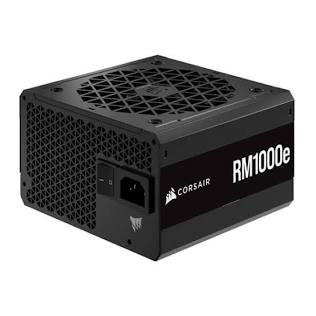
A high-quality ATX 3.0 power supply is non-negotiable for enthusiast-tier builds.. Source: Computech Store
Modern GPUs experience “transient power spikes”—microsecond bursts where the card demands nearly double its rated TDP. If you pair a 575W RTX 5090 and a 170W CPU with an older 850W power supply, the transient spike will trip the unit’s Over-Current Protection (OCP), causing an immediate hard crash to your desktop.
The Fix: You must deploy a native ATX 3.0 / PCIe 5.0 Power Supply rated for at least 1000W. These units are specifically engineered with a 12VHPWR connector designed to safely absorb transient spikes up to 200% of their total capacity without shutting down the system.
2026 Enthusiast FAQ
Is 32GB of VRAM actually necessary for gaming?
For pure gaming at 4K today, 24GB is generally sufficient for maximum texture fidelity without asset swapping. However, 32GB becomes strictly necessary if you intend to run local, heavily parameterized AI models (like 70B LLMs) or if you heavily modify games with uncompressed 8K texture packs.
Will a Ryzen 7 bottleneck a 4K monitor?
No. Resolution increases aggressively shift the processing load away from the CPU and onto the GPU. A high-tier Ryzen 7 (like the 9800X3D or 9850X3D) will easily feed enough data to max out any GPU currently on the market at 4K.
Do I need a 1200W power supply for an RTX 5090?
While NVIDIA officially recommends a 1000W minimum, a high-quality 1000W ATX 3.0 unit is sufficient. However, if you are running a heavy custom water-cooling loop (multiple pumps and fans) alongside a heavily overclocked Core Ultra 9 processor, stepping up to a 1200W unit provides a safer overhead margin.
Why is 1440p considered a waste for the RTX 5090?
At 1440p, the RTX 5090 renders frames faster than any current CPU can generate instructions for them. This traps the system in a severe CPU bottleneck, meaning you are paying for premium GPU execution cores that remain dormant. The 5090 requires a 4K pixel density to force the workload back onto the graphics architecture.