

The “Pure Budget” tier is not about pushing boundaries; it is about survival. If you are building or upgrading in this category, your total budget is likely under $500, or you are trying to squeeze one last year of life out of a 5-year-old gaming rig. Your primary question isn’t “Will I get 240 FPS?”—it is simply: “Can my PC even run this game?”
In 2026, modern game engines are ruthless on older hardware. Technologies like Unreal Engine 5 rely on massive geometric complexity and heavy texture streaming that will instantly crush components that were considered “mid-range” just a few years ago. In this tier, bottlenecks are not just mathematical inefficiencies; they are the difference between a playable 60 FPS experience and a crashing, stuttering slideshow.
Navigation Warning: If you have the capital to invest in a brand new system with a dedicated budget above $700, you should instantly step up to The Budget+ Survival Guide. If you are targeting high-refresh 1080p for competitive games, you need The Mainstream Standard. If your sights are set on 1440p, pivot to The Mainstream+ Guide or the High-End PC Bottleneck Guide. And if you recently bought an OLED 4K display, building in the pure budget tier will yield an unplayable experience—proceed directly to The Enthusiast Blueprint: 4K & Extreme Hardware Synergy.
For those committed to the entry-level trenches, below is the definitive architectural breakdown of the most common legacy and pure-budget CPU and GPU combinations, mapping out exactly how to bypass critical system failures.
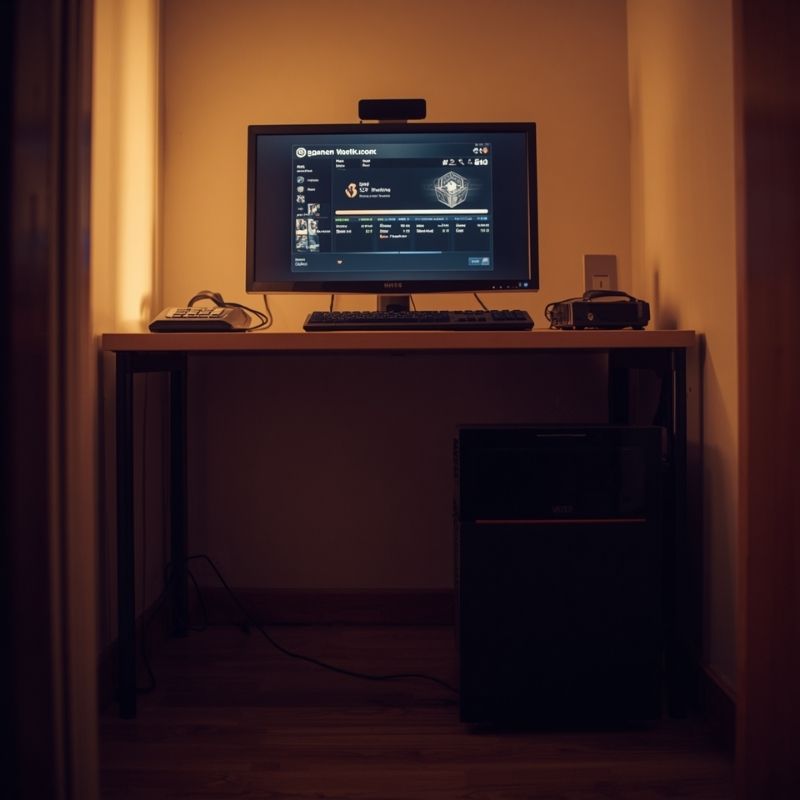
- Canva AI Prompt: A modest, clean computer desk setup in a small room. An older, simple PC case with a solid side panel (no glass) sitting on the floor. A basic 1080p monitor displaying a game benchmark. Warm, practical lighting, photorealistic.
- Alt Text: A practical pure budget gaming PC setup designed for entry-level 1080p gaming.
- Caption: Building in the Pure Budget tier is about salvaging older components and prioritizing raw functionality over aesthetic upgrades.
Intel Core i3-12100F with AMD Radeon RX 6600 8GB
Baseline Metrics (1080p Workload):
- System Variance: 4% GPU Limit
- Hardware Rating: A+ (Maximum Entry Value)
- Ideal Resolution: 1080p (Medium Settings)
Comparative Analysis: This is the holy grail of modern sub-$500 builds. The Intel Core i3-12100F is a 4-core, 8-thread processor that punches massively above its weight class. Because its single-core IPC (Instructions Per Clock) is based on the robust Alder Lake architecture, it easily calculates game logic fast enough to support entry-level GPUs.
When paired with the AMD Radeon RX 6600 (a card that can often be found heavily discounted on the used market), you achieve a practically flawless 4% system variance. The RX 6600’s 8GB of VRAM provides just enough headroom to load modern textures at 1080p without spilling over into system RAM.
- Pros:
- Unbeatable Value: This pairing delivers steady 60+ FPS in almost all modern AAA titles at 1080p Medium settings.
- PCIe 4.0 Support: The i3-12100F supports PCIe 4.0, which is critical because the RX 6600 only has an 8-lane (x8) PCIe connection.
- Cons:
- Zero Background Multitasking: With only 4 CPU cores, leaving Chrome tabs, Discord, or recording software running in the background will instantly choke the CPU and cause in-game stuttering.
AMD Ryzen 5 3600 with NVIDIA GeForce GTX 1660 Super 6GB
Baseline Metrics (1080p Workload):
- System Variance: 14% GPU Limit
- Hardware Rating: B (Acceptable Legacy Combo)
- Ideal Resolution: 1080p (Low/Medium Settings)
Comparative Analysis: This combination represents the most common hardware profile historically dominating the Steam Hardware Survey. The Ryzen 5 3600 was the king of budget CPUs years ago, and it remains surprisingly resilient. With 6 cores and 12 threads, it offers more background multitasking headroom than modern 4-core budget chips.
The GTX 1660 Super is a purely raster-based card (lacking dedicated ray tracing and DLSS tensor cores). A 14% GPU limit means the Ryzen 5 3600 easily supplies enough data to keep the 1660 Super maxed out. However, the 6GB VRAM buffer is becoming a severe liability in 2026, forcing users to drop texture settings to “Low” in newer releases to prevent catastrophic frame drops.
- Pros:
- Used Market Abundance: Both of these components flood the secondary market, meaning you can often build this entire PC for incredibly cheap.
- eSports Reliability: It remains an incredibly stable pairing for lightweight competitive games like League of Legends or Counter-Strike 2.
- Cons:
- No DLSS Lifeline: Lacking RTX features means you cannot use NVIDIA’s AI upscaling to artificially boost frame rates when the card struggles.
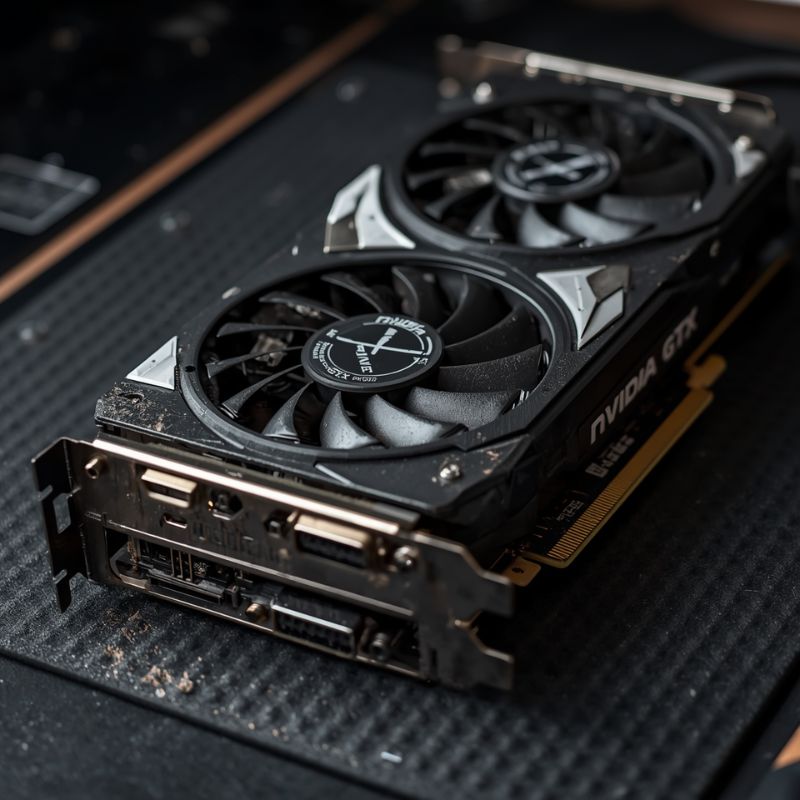
- Canva AI Prompt: Close up view of an older NVIDIA GTX series graphics card with twin cooling fans, resting on an anti-static mat. Dusty but functional aesthetic, raw hardware focus.
- Alt Text: An older generation entry-level NVIDIA GTX graphics card on a workbench.
- Caption: Legacy GPUs like the GTX 1660 Super remain highly viable for 1080p eSports, but their limited VRAM requires significant graphical compromises in modern titles.
The Danger Pairing: AMD Ryzen 5 5600X with NVIDIA GTX 1650 4GB
Baseline Metrics (1080p Workload):
- System Variance: 48% GPU Limit
- Hardware Rating: F (Critical VRAM Failure)
- Ideal Resolution: 720p / 1080p (Ultra-Low)
Comparative Analysis: In 2026, pairing a highly capable AMD Ryzen 5 5600X with a GTX 1650 4GB creates a systemic disaster. The 5600X is a brilliant processor that can easily handle 1440p gaming when paired properly, and it remains a high-value upgrade for AM4 users, but the GTX 1650 acts as a brick wall in the rendering pipeline.
The issue isn’t just raw processing speed; it is the 4GB VRAM Death Sentence. Modern games require a minimum of 6GB (and ideally 8GB) just to hold baseline textures and shaders in the GPU’s memory. When the GTX 1650 runs out of its 4GB capacity, it is forced to use your computer’s much slower DDR4 system RAM. This process, known as “texture swapping,” drops your frame rate from 60 FPS down to unplayable levels for brief, jarring moments. Your Ryzen 5600X will sit completely idle, waiting for this massive memory traffic jam to clear.
- Pros:
- CPU Longevity: The processor itself is fantastic and completely ready for a massive GPU upgrade down the line.
- Cons:
- Unplayable AAA Gaming: The 4GB VRAM limit makes playing massive, unoptimized modern titles practically impossible without dropping to 720p resolution and ultra-low settings.
The APU Lifeline: AMD Ryzen 5 8600G (Integrated Graphics)
Baseline Metrics (1080p Workload):
- System Variance: Integrated Architecture
- Hardware Rating: B+ (Maximum Ultra-Budget Value)
- Ideal Resolution: 1080p (Low Settings)
Comparative Analysis: If you cannot afford a dedicated graphics card, AMD’s APUs (Accelerated Processing Units) are your ultimate lifeline. The Ryzen 5 8600G combines a powerful 6-core Zen 4 CPU with robust Radeon 760M integrated graphics on a single chip.
This bypasses the traditional CPU-to-GPU PCIe interconnect bottleneck entirely. Instead, the graphics cores share your system’s DDR5 RAM. This means you can build a highly modern AM5 computer without buying a GPU, play games at 1080p Low settings at 45-60 FPS, and simply drop a dedicated graphics card into the system a year later when you have the funds.
- Pros:
- Extreme Cost Savings: Completely eliminates the need to purchase a $200+ dedicated GPU upfront.
- AM5 Platform: Puts you on AMD’s latest motherboard platform, ensuring you have an upgrade path for years to come.
- Cons:
- Memory Dependent: Because the integrated graphics rely on system RAM instead of dedicated VRAM, you must purchase fast, dual-channel DDR5 memory (e.g., 2x8GB at 6000MHz). Single-channel or slow memory will cripple your frame rates significantly.
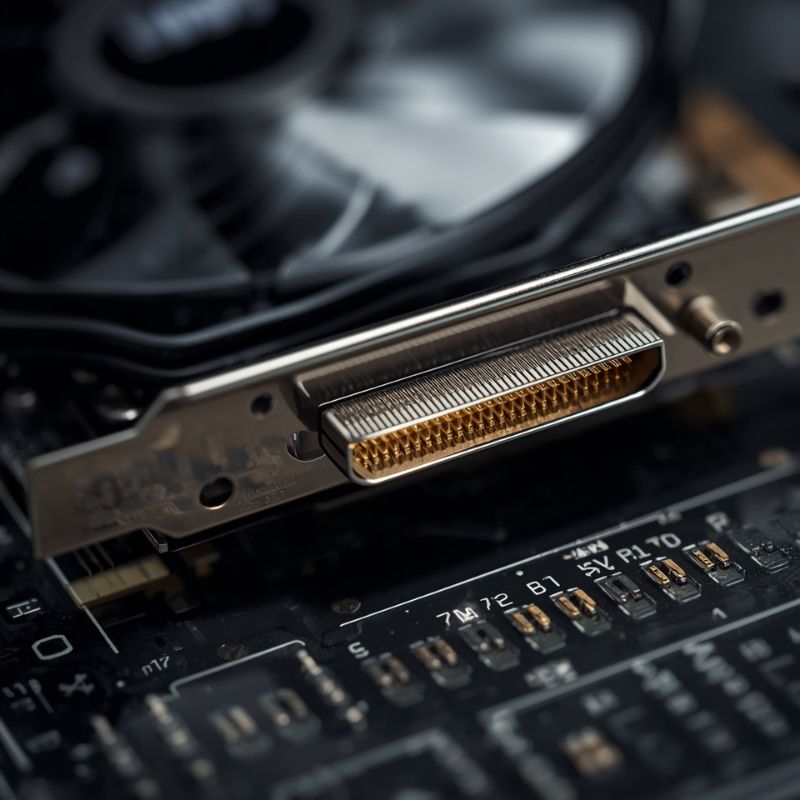
- Canva AI Prompt: Macro photography of the gold connector pins on the bottom of a graphics card, resting on a motherboard PCIe slot. Sharp focus on the physical data connection point, technical aesthetic.
- Alt Text: The PCIe connector pins on a graphics card interacting with a computer motherboard.
- Caption: Using a PCIe 4.0 graphics card in an older PCIe 3.0 motherboard cuts the data bandwidth in half, which severely bottlenecks budget GPUs with limited physical data lanes.
The Hidden Bottleneck: PCIe Generation Starvation
When upgrading old computers in the Pure Budget tier, you will likely encounter the PCIe Bandwidth Bottleneck.
The Peripheral Component Interconnect Express (PCIe) slot is the physical highway that data uses to travel from your CPU to your GPU. Older motherboards (from 2018-2020) utilize PCIe 3.0. Modern budget graphics cards (like the RX 6600 or RTX 4060) are designed for PCIe 4.0.
Normally, this is fine for high-end cards. However, to save manufacturing costs, AMD and NVIDIA only gave these budget cards 8 physical data lanes (x8) instead of the standard 16 lanes (x16). If you plug an 8-lane PCIe 4.0 card into an older PCIe 3.0 motherboard, the data highway is cut in half. The CPU cannot send texture data to the GPU fast enough over this restricted connection. If the GPU’s VRAM fills up and it tries to access system RAM over this restricted PCIe 3.0 x8 bus, your game will suffer massive, violent stuttering.
The Fix: If you are buying a budget GPU with an x8 connection, verify that your CPU and motherboard support PCIe 4.0. If you are stuck on PCIe 3.0, you are better off buying an older used card (like the GTX 1660 Super) that possesses a full x16 physical connection to bypass the bandwidth limitation.
Pure Budget Playbook FAQ
Can I still use a GTX 1650 in 2026?
Technically yes, but it is heavily restricted. It survives for older games and highly optimized eSports titles. For modern AAA games, the 4GB VRAM buffer is wholly insufficient, forcing you to play on the lowest possible graphical presets and often dropping the internal resolution below 1080p to maintain playable framerates.
Should I upgrade my old 4-core CPU to fix my frame drops?
If you are currently experiencing high average frame rates but severe, jarring stutters during explosions or fast camera movements (terrible 1% lows), your older 4-core CPU is likely bottlenecking the system. Modern games heavily benefit from at least 6 cores to handle background Windows tasks and game logic simultaneously.
Is it worth buying an RX 580 today?
The RX 580 8GB is legendary, but in 2026, its architectural age is showing. While it can still output frames in legacy titles, it lacks the modern driver support and architectural efficiency to properly render graphics in the newest DirectX 12 Ultimate engines. You should spend slightly more to acquire an RX 6600 on the used market.
Does a bottleneck permanently damage my PC?
No. A bottleneck is simply a mathematical inefficiency. If your CPU bottlenecks your GPU, it just means the GPU is waiting around idly for instructions. It does not cause physical heat damage, electrical shorts, or hardware degradation. It only damages your gameplay experience.
Can I mix an Intel CPU with an AMD graphics card?
Yes, absolutely. There is a common misconception that you must match AMD processors with AMD graphics cards. An Intel Core i3-12100F will communicate perfectly with an AMD Radeon RX 6600 via standard PCIe protocols, delivering incredible budget performance without any brand-conflict penalties.