
The “Mainstream Standard” tier is the true heartbeat of PC gaming in 2026. This is the hardware class utilized by the vast majority of players worldwide, powering competitive eSports titles, daily battle royales, and modern AAA games at 1080p resolutions. If you are building in this category, your goal is strict: achieve 60+ FPS in cinematic games or 240+ FPS in competitive shooters, all while maintaining rigorous budget discipline.
At 1080p, hardware balancing behaves fundamentally differently than it does at higher resolutions. Because the graphics card is processing significantly fewer pixels, it finishes its rendering tasks rapidly. This shifts an immense amount of pressure onto your Central Processing Unit (CPU). If your processor cannot calculate physics, player positions, and draw-calls fast enough, your system will bottleneck—even if you own a high-end graphics card.
Navigation Warning: If you recently purchased an ultra-wide OLED or a 4K panel, building in the Mainstream Standard tier will severely limit your graphics capabilities. You should immediately pivot to our Enthusiast Blueprint. If your goal is to push 1440p at high refresh rates, you should step up to The Mainstream+ Guide. Furthermore, if you are looking to maximize high-refresh 1440p or entry 4K without overspending, check out our High-End PC Bottleneck Guide.
If you are locked in for 1080p dominance, below is the definitive architectural breakdown of the most critical CPU and GPU combinations in the Mainstream Standard tier, ensuring you extract every frame out of your budget.
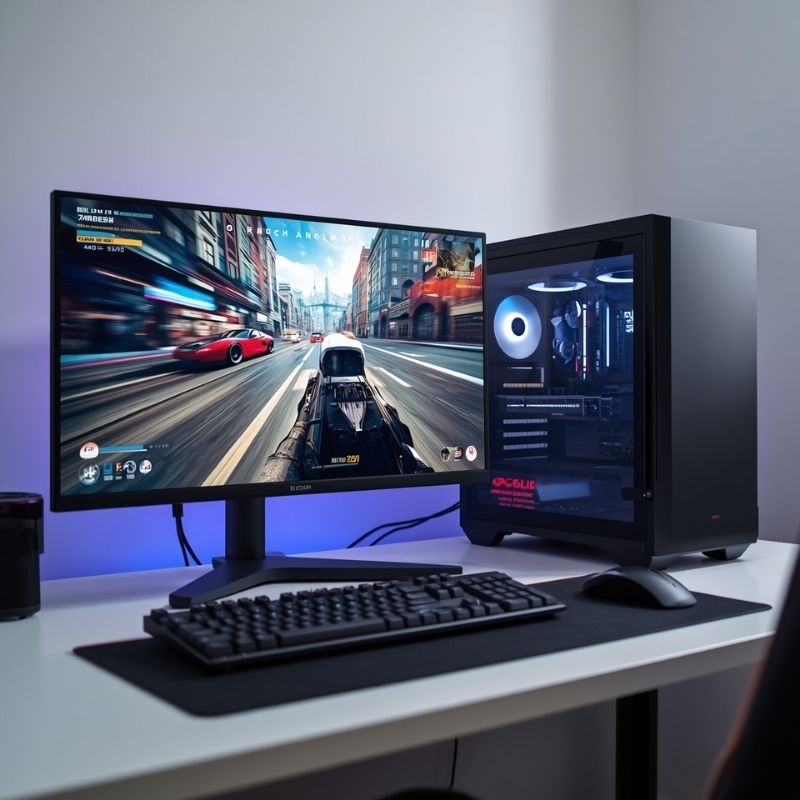
- Canva AI Prompt: A clean, bright photograph of a modern competitive gaming desk setup. A 24-inch 1080p eSports monitor displaying a fast-paced shooter game interface. A mechanical keyboard and a sleek black PC case with white LED fans. Photorealistic, high detail.
- Alt Text: A 24-inch 1080p eSports monitor and gaming PC setup on a clean desk.
- Caption: 1080p competitive gaming relies heavily on CPU speed; a weak processor will bottleneck your system regardless of your graphics card.
AMD Ryzen 5 9600X with NVIDIA GeForce RTX 5060 8GB
Baseline Metrics (1080p Workload):
- System Variance: 14% GPU Limit
- Hardware Rating: A+ (Excellent)
- Ideal Resolution: 1080p (240Hz+)
Comparative Analysis: This is the quintessential 1080p competitive gaming combination for 2026. The AMD Ryzen 5 9600X leverages the Zen 5 architecture to deliver massive Instructions Per Clock (IPC) improvements over the previous generation. In 1080p environments, where single-threaded CPU speed dictates maximum frame rates, the 9600X’s 5.4 GHz boost clock ensures that your graphics card is never starved for geometry data.
The RTX 5060 is NVIDIA’s definitive 1080p workhorse. Built on the Blackwell architecture, it processes 1080p rasterization effortlessly. When paired with the 9600X, the system variance tightens to a highly optimal 14% GPU Limit. Your graphics card will remain pegged at 99% utilization, extracting maximum value from your hardware investment, while the 9600X maintains enough overhead to completely eliminate micro-stutters during heavy physics calculations or intense multiplayer firefights.
- Pros:
- High Refresh Rate Dominance: Easily pushes 240+ FPS to 360+ FPS in competitive titles like Valorant, CS2, and Apex Legends.
- DLSS 4 Access: Gives you the ability to use NVIDIA’s AI frame generation to artificially boost frame rates in demanding single-player games.
- Cons:
- VRAM Limit: The 8GB VRAM ceiling is perfect for 1080p, but it acts as a hard wall if you ever attempt to upgrade to a 1440p monitor or run heavy local AI models without also upgrading your GPU.
Intel Core Ultra 5 245K with NVIDIA GeForce RTX 5060 8GB
Baseline Metrics (1080p Workload):
- System Variance: 11% GPU Limit
- Hardware Rating: A (Highly Balanced)
- Ideal Resolution: 1080p
Comparative Analysis: For builders who prioritize multitasking alongside their gaming, the Intel Core Ultra 5 245K is a formidable alternative. Utilizing the Arrow Lake architecture, this processor drops hyperthreading in favor of raw core counts, packing 14 physical cores (6 Performance and 8 Efficient).
Because 1080p gaming is incredibly CPU-intensive, the 245K’s raw core dominance ensures the RTX 5060 is fed spatial data continuously. The resulting 11% GPU limit is an excellent buffer. Your graphics card will max out, while the CPU retains massive overhead to handle background tasks—like streaming to Twitch via OBS, running Discord, or keeping heavy browser tabs open—without causing frame drops in your game.
- Pros:
- Multitasking Master: The 14-core layout provides significant headroom for productivity tasks and streaming without impacting your 1080p frame rates.
- Platform Modernity: The LGA 1851 socket ensures you have a viable upgrade path for future Intel CPU generations.
- Cons:
- Cooling Requirements: The 245K draws more power than its AMD counterpart and requires a more robust cooling solution, such as a premium dual-tower air cooler or a 240mm AIO liquid cooler.
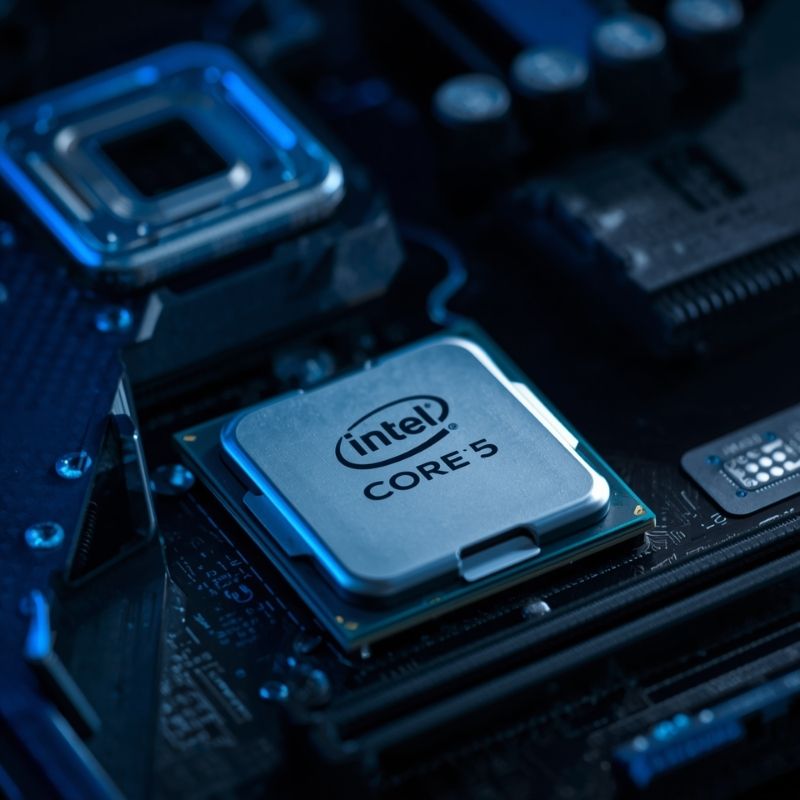
- Canva AI Prompt: Close up macro photography of an Intel Core Ultra 5 processor chip sitting on an anti-static mat next to a modern motherboard socket. Futuristic blue lighting, sharp focus on the CPU text.
- Alt Text: Intel Core Ultra 5 processor ready to be installed in a modern gaming motherboard.
- Caption: The Core Ultra 5 245K provides excellent IPC and massive core counts, ensuring your 1080p graphics card is never starved for data while multitasking.
AMD Ryzen 5 7600X with AMD Radeon RX 7600 XT 16GB
Baseline Metrics (1080p Workload):
- System Variance: 9% GPU Limit
- Hardware Rating: A+ (Excellent)
- Ideal Resolution: 1080p
Comparative Analysis: For builders operating on a strict budget who want the absolute maximum pure rasterization (non-ray-traced) frame rates and VRAM longevity, this all-AMD combination is the champion. The RX 7600 XT frequently outpaces competing cards in raw 1080p rendering speeds in older titles and provides a massive 16GB VRAM buffer.
The Ryzen 5 7600X remains an incredibly competent 6-core processor. It supplies the RX 7600 XT with data rapidly enough to maintain a 9% variance. Because AMD’s AM5 platform has matured, you can pair this CPU with highly affordable B650 motherboards and DDR5 memory. This combination allows you to squeeze every possible frame out of the Radeon card without overspending on the processor.
- Pros:
- VRAM Longevity: 16GB of memory is massive for 1080p, ensuring you will never encounter texture-swapping stutters even in the most unoptimized PC ports.
- Smart Access Memory (SAM): Utilizing an all-AMD platform allows the CPU to access the entire GPU memory block at once, often resulting in a free 3-5% performance boost.
- Cons:
- Ray Tracing: Attempting to enable ray tracing on the RX 7600 XT will severely choke your frame rates compared to NVIDIA hardware.
The Danger Pairing: AMD Ryzen 9 9950X3D with NVIDIA RTX 5060
Baseline Metrics (1080p Workload):
- System Variance: 58% GPU Limit
- Hardware Rating: D (Severely Unbalanced)
- Ideal Resolution: N/A (Mismatched)
Comparative Analysis: This combination is a textbook example of misallocated budget and severe system bottlenecking. The Ryzen 9 9950X3D is an enthusiast-tier processor designed to feed flagship GPUs like the RTX 5090. When paired with a mainstream 1080p card like the RTX 5060, the system encounters a massive 58% variance.
The CPU will calculate the physics, game state, and geometry instantly, and then sit completely idle, waiting for the RTX 5060 to finish drawing the lighting and textures. You have paid a massive premium for 16 cores and 3D V-Cache technology that your graphics card is physically unable to utilize. If you are building this system, you should immediately step down to a Ryzen 5 9600X and use the saved capital to upgrade your GPU to an RTX 5070 or 5070 Ti.
- Pros:
- Flawless 1% Lows: Because the CPU is so powerful, your 1% low frame rates will be incredibly high, meaning you will essentially never feel a CPU-based micro-stutter.
- Cons:
- Severe Financial Waste: You are paying for enthusiast-tier processing power that cannot be deployed.
- Hard GPU Ceiling: The RTX 5060 acts as a hard limit on your frame rates; the massive power of the 9950X3D cannot force the GPU to render any faster than its physical silicon allows.
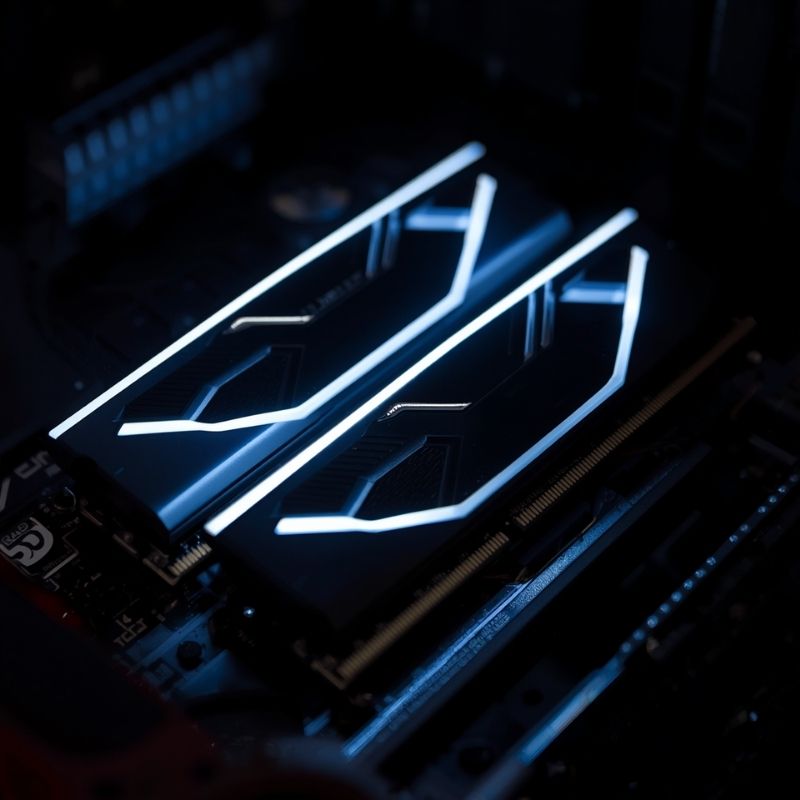
- Canva AI Prompt: Two sticks of high-end DDR5 RAM installed close together in a dark motherboard, glowing with sleek white RGB lighting. Shallow depth of field, sharp focus on the memory modules.
- Alt Text: High speed DDR5 memory RAM sticks installed in a premium gaming motherboard.
- Caption: To prevent secondary bottlenecks at high refresh rates, mainstream CPUs require low-latency DDR5 memory to communicate effectively with the GPU.
The Hidden Bottleneck: High Refresh Rate Strain
At the Mainstream Standard tier, the most common mistake builders make is assuming that a lower resolution (1080p) is “easier” on the whole computer. This is a critical misunderstanding of hardware architecture.
Lowering your resolution makes the game easier for your GPU. Because the GPU finishes its job so quickly (drawing fewer pixels), it turns around and asks the CPU for the next frame blueprint much faster. This means pushing 240 FPS at 1080p actually puts drastically more strain on your processor and system memory (RAM) than playing at 60 FPS at 4K.
If you pair a weak, older CPU (like an Intel Core i3-10100) with a modern graphics card (like the RTX 5060) at 1080p, you will experience severe CPU bottlenecking. The GPU will sit at 60% utilization, waiting for the struggling processor to calculate the game engine logic, resulting in terrible stuttering and jagged frame pacing.
The Fix: Always ensure your processor is modern enough (Ryzen 5 7000/9000 series or Intel Core i5 13th/14th/Ultra generation) to handle the intense instruction speeds required by 1080p high-refresh gaming. Furthermore, you must enable EXPO or XMP in your BIOS to ensure your DDR5 RAM is running at its advertised speeds, or the CPU will stall while waiting for data from the memory controller.
Mainstream Standard Hardware FAQ
Is 8GB of VRAM enough for 1080p in 2026?
Yes. For the vast majority of competitive titles and standard AAA games, 8GB is sufficient for native 1080p rendering without maxing out texture limits. However, if you attempt to use high-resolution texture mods, or if you push the resolution up to 1440p, 8GB will cause severe stuttering as data spills over into the much slower system RAM.
Should I upgrade my CPU or GPU for more FPS at 1080p?
It depends entirely on your current utilization. If your GPU utilization is hovering around 95-99% while gaming, upgrading your GPU will yield more frames. However, if your GPU utilization is low (e.g., 60-70%) at 1080p, your CPU is bottlenecking the system. In this scenario, you must upgrade the processor to see higher frame rates.
Will a Ryzen 5 bottleneck an RTX 5060?
No. Modern Ryzen 5 processors, specifically the 7600X and 9600X, are incredibly fast and possess the high IPC required to easily supply enough data to max out the rendering capabilities of an RTX 5060 at 1080p.
Why do competitive gamers still use 1080p?
Competitive gamers prioritize absolute maximum frame rates (often 360Hz to 540Hz) over visual fidelity. Rendering at 1080p allows the hardware to push frames as fast as physically possible, reducing system input latency and pixel response times to the absolute minimum, which is critical for aiming precision in eSports titles.
Can I use DLSS or FSR at 1080p?
You can, but it is generally not recommended unless you are struggling to maintain a playable 60 FPS in a heavy single-player game. DLSS Quality mode at 1080p forces the GPU to render the game internally at 720p before upscaling. Because 720p contains very little base pixel data, the upscaled image can often look blurry, shimmering, or artifact-heavy compared to a native 1080p image.