
Building a PC in the “Budget+” tier is an exercise in absolute financial efficiency. If you are operating in this category, you are likely working with a strict total system budget of $700 to $1,000. Your goal is to maximize every single dollar, achieving flawless 1080p 60 FPS gaming in AAA titles, or high refresh rates (144Hz+) in lightweight eSports games, without overspending on vanity features.
At this tier, the bottleneck paradigm shifts. You are no longer trying to perfectly feed a flagship GPU; instead, you are trying to squeeze every drop of rendering power out of mid-range and previous-generation silicon. A bad hardware pairing here doesn’t just lose you a few frames—it can result in a completely unplayable, stuttering experience.
Navigation Warning: If you have the capital to push native 1440p resolution or want to hit 240Hz+ in competitive shooters, you are in the wrong tier. Step up to The Mainstream Standard or The Mainstream+ Guide. Conversely, if you are attempting to salvage older hardware on a sub-$500 budget, drop down to our Pure Budget Playbook.
If you are hunting for the absolute best value-to-performance ratios available today, below is the definitive breakdown of the most resilient CPU and GPU combinations in the Budget+ tier.
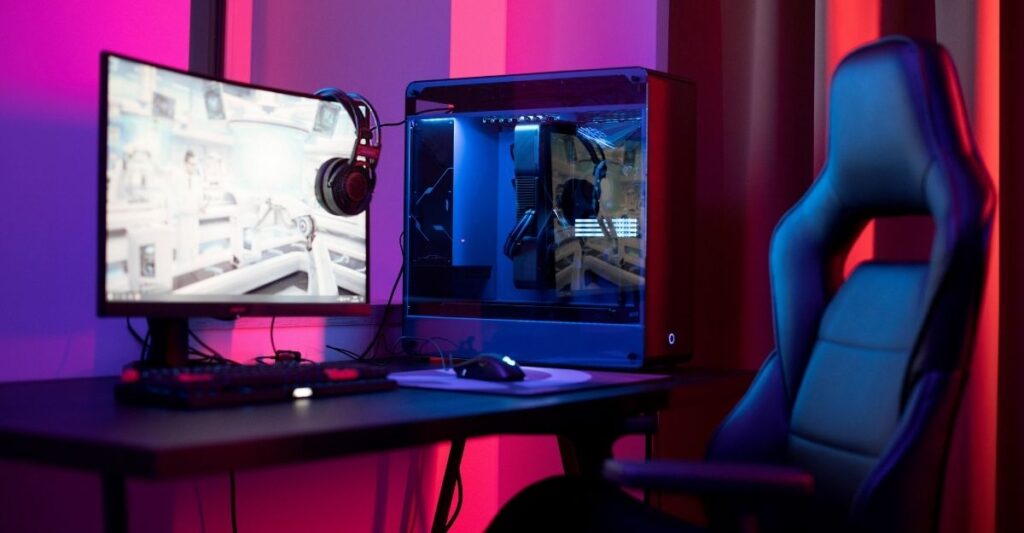
- Canva AI Prompt: A clean, minimalist budget gaming desk setup. A standard mid-tower PC case with subtle white lighting, a 24-inch monitor displaying a racing game, and a basic mechanical keyboard on a wooden desk. Photorealistic, practical aesthetic.
- Alt Text: A practical, cost-effective budget gaming PC setup on a wooden desk.
- Caption: Building in the Budget+ tier means sacrificing vanity RGB and premium aesthetics to pour every available dollar into your CPU and GPU.
Intel Core i5-12400F with NVIDIA GeForce RTX 4060 8GB
Baseline Metrics (1080p Workload):
- System Variance: 8% GPU Limit
- Hardware Rating: A (Highly Balanced Value)
- Ideal Resolution: 1080p
Comparative Analysis: This is the undisputed king of the modern budget build. The Intel Core i5-12400F is a legendary 6-core processor. Because it lacks E-cores (Efficient cores) and focuses entirely on 6 fast Performance cores, it handles modern game logic incredibly well without the bloated price tag of 13th or 14th-generation chips.
When paired with the NVIDIA RTX 4060 at 1080p, the system achieves a highly stable 8% GPU limit. This means the i5-12400F can calculate physics and draw-calls just fast enough to keep the RTX 4060 running at 99% utilization.
- Pros:
- DLSS 3 Frame Generation: Access to NVIDIA’s AI frame generation allows this budget system to artificially double frame rates in demanding single-player games like Cyberpunk 2077.
- Low Power Draw: Both components sip power. You can easily run this system on a cheap, reliable 550W or 600W power supply, saving you significant capital.
- Cons:
- Dead Platform: The LGA 1700 motherboard socket used by the 12400F is end-of-life. Upgrading your CPU in the future will require buying a brand-new motherboard.
AMD Ryzen 5 5600 with AMD Radeon RX 7600 8GB
Baseline Metrics (1080p Workload):
- System Variance: 6% GPU Limit
- Hardware Rating: A+ (Maximum Rasterization Value)
- Ideal Resolution: 1080p
Comparative Analysis: If you strictly play traditional, non-ray-traced games (rasterization) and want the absolute maximum frames-per-dollar, this all-AMD combination cannot be beaten. The AMD Ryzen 5 5600 is a highly mature, Zen 3 architecture chip that frequently goes on massive sales.
The RX 7600 consistently outperforms the RTX 4060 in raw rendering speed across a variety of older and competitive titles. Because the variance is tightly locked at a 6% GPU limit, you are guaranteed completely smooth frame pacing. There are no sudden micro-stutters caused by the CPU failing to feed the GPU.
- Pros:
- Ultra-Cheap Ecosystem: AM4 motherboards and DDR4 RAM are incredibly cheap in 2026. This allows you to allocate almost your entire budget to the graphics card.
- Smart Access Memory (SAM): Pairing an AMD CPU with an AMD GPU allows the processor to access the entire 8GB VRAM buffer at once, providing a free 3-5% FPS boost.
- Cons:
- Terrible Ray Tracing: Enabling ray tracing on the RX 7600 will bring your frame rates to a grinding halt. This is a strict rasterization build.
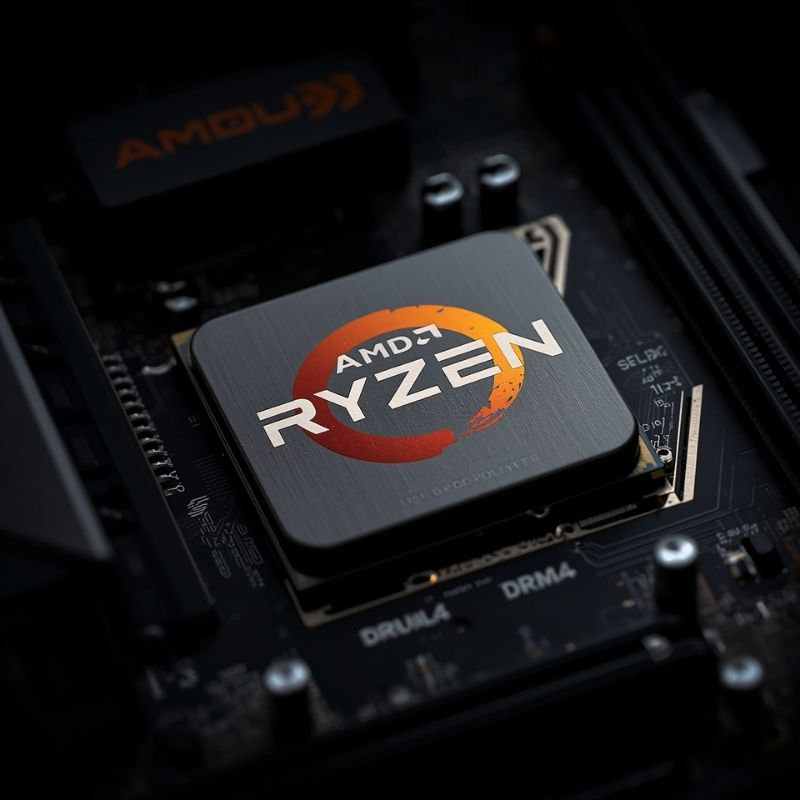
- Canva AI Prompt: Close up macro shot of an AMD Ryzen processor chip installed on a budget-friendly dark motherboard, surrounded by DDR4 memory sticks. Subtle, realistic lighting.
- Alt Text: AMD Ryzen 5 processor installed on an AM4 motherboard with DDR4 RAM.
- Caption: Utilizing mature platforms like AMD’s AM4 allows budget builders to save massive amounts of capital on motherboards and RAM.
AMD Ryzen 5 7600 with NVIDIA GeForce RTX 3060 12GB
Baseline Metrics (1080p Workload):
- System Variance: 28% GPU Limit
- Hardware Rating: B (Platform Investment)
- Ideal Resolution: 1080p
Comparative Analysis: This pairing is a strategic play for the future. The RTX 3060 12GB is an older graphics card, but its massive 12GB VRAM buffer makes it uniquely resilient against modern, unoptimized games that stutter heavily on 8GB cards.
By pairing it with the modern Ryzen 5 7600 on the AM5 platform, you are intentionally creating a 28% GPU bottleneck. The CPU is vastly more powerful than the GPU. While you aren’t maximizing your immediate FPS today, you are buying into the DDR5 and AM5 ecosystem. In two years, you can simply drop a powerful new graphics card into this system, and the Ryzen 5 7600 will easily handle it.
- Pros:
- VRAM Buffer: 12GB of VRAM completely eliminates the texture-swapping stutters that plague 8GB cards in modern console ports.
- Future-Proof Foundation: The AM5 motherboard will support new CPU generations for years to come.
- Cons:
- Lower Immediate FPS: The RTX 3060 is noticeably slower than the RTX 4060 or RX 7600 in raw rendering speed today.
The Danger Pairing: Intel Core Ultra 5 245K with NVIDIA GTX 1650
Baseline Metrics (1080p Workload):
- System Variance: 65% GPU Limit
- Hardware Rating: F (Critical Failure)
- Ideal Resolution: N/A
Comparative Analysis: This is the most common trap inexperienced budget builders fall into. They spend 70% of their budget on a brand-new, modern processor (like the Core Ultra 5) and pair it with a cheap, heavily outdated GPU (like the GTX 1650 or RX 580) just to get the system running.
This creates a catastrophic 65% GPU limit. The processor calculates the game world instantly, and then sits completely idle, waiting for the struggling GTX 1650 to render the image. You have wasted hundreds of dollars on CPU processing power that you cannot physically use. At the budget tier, your graphics card should always be the most expensive component in your system.
If you are trapped in this hardware configuration, do not attempt to upgrade your CPU. You must read our Enthusiast 4K Guide to understand how higher resolutions shift the load, and then save all your capital for a massive GPU upgrade.
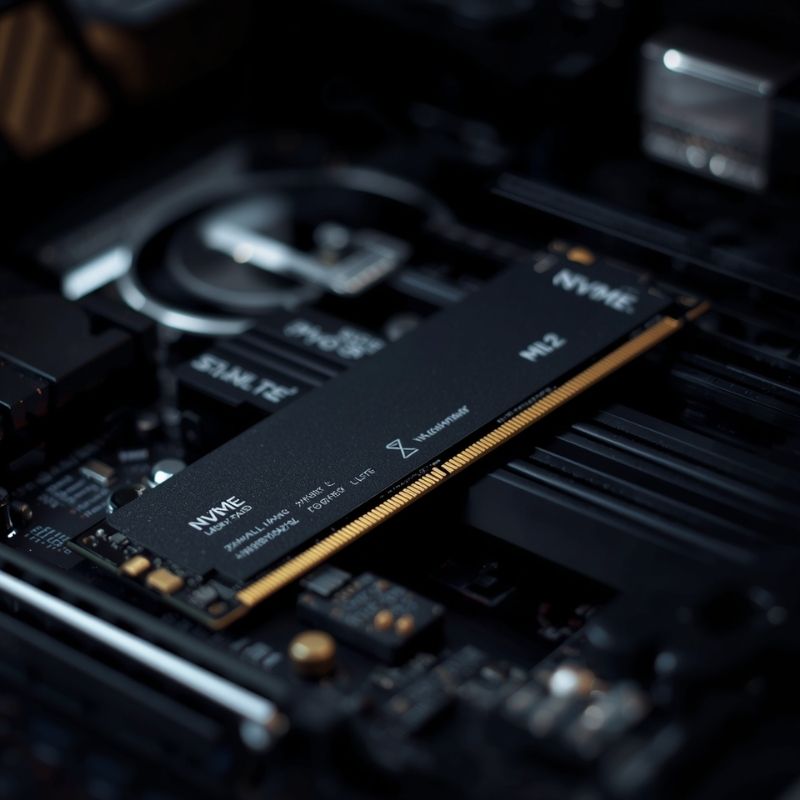
- Canva AI Prompt: An NVMe M.2 SSD stick lying diagonally across a computer motherboard with a blurry graphics card in the background. High tech aesthetic, sharp focus on the gold pins of the SSD.
- Alt Text: A high-speed NVMe M.2 SSD drive placed on a computer motherboard.
- Caption: Installing modern games on an old mechanical hard drive will cause severe stuttering that mimics a CPU bottleneck, ruining your budget hardware synergy.
The Hidden Bottleneck: Storage and Asset Streaming
When operating on a strict budget, builders frequently attempt to save money by reusing old mechanical Hard Disk Drives (HDDs) or incredibly cheap SATA SSDs from older computers. This is a fatal mistake in modern gaming.
Modern game engines (like Unreal Engine 5) utilize massive textures and dynamic asset streaming. As you walk through a game world, the CPU must fetch new textures from your storage drive and send them to the GPU.
If your game is installed on a slow HDD, the drive physically cannot spin fast enough to hand the data to the CPU. The CPU is forced to wait, which means the GPU is forced to wait. This creates a severe Storage Bottleneck. In-game, this manifests as massive, jarring stutters whenever you turn a corner or enter a new zone, making you mistakenly believe your CPU or GPU is failing.
The Fix: You must install your operating system and your games on a PCIe NVMe Solid State Drive. Even a cheap Gen 3 or Gen 4 NVMe drive is up to 30x faster than a mechanical hard drive and will instantly cure traversal stutter in modern titles.
Budget+ Hardware FAQ
Is it better to buy a better CPU or a better GPU on a budget?
For a gaming PC, you should always allocate more of your budget to the GPU. A standard $130 processor (like the Ryzen 5 5600) is more than capable of feeding a $300 graphics card perfectly. Overspending on the CPU while starving the GPU budget will ruin your gaming performance.
Will an older CPU bottleneck a new GPU?
Yes. If you pair a processor from 6 or 7 years ago (like an Intel Core i7-7700K) with a modern budget GPU (like the RTX 4060), the older CPU will struggle to calculate modern game physics fast enough, creating a CPU bottleneck that causes jagged frame rates.
Is 8GB of RAM enough for budget gaming?
No. While you can technically boot games with 8GB of system RAM, it will cause severe stuttering as the computer runs out of memory and starts using your storage drive as virtual memory. You must have a minimum of 16GB (in a 2x8GB dual-channel configuration) for modern gaming.
Can a budget PC run 1440p games?
Yes, but with compromises. A budget system like the 12400F + RTX 4060 can run games at 1440p if you rely heavily on upscaling technologies like DLSS or FSR, and if you are willing to lower in-game graphical settings (like shadows and volumetric clouds) to Medium.
Why do some budget systems stutter even with high average FPS?
This is usually caused by a severe CPU bottleneck, thermal throttling (the components getting too hot and slowing down to protect themselves), or the game being installed on a slow mechanical hard drive. High average FPS means the GPU is capable, but the stutters (bad 1% lows) mean the data delivery pipeline is broken.